[ 00 ] The best screenshot chrome extension

A better way to capture the web

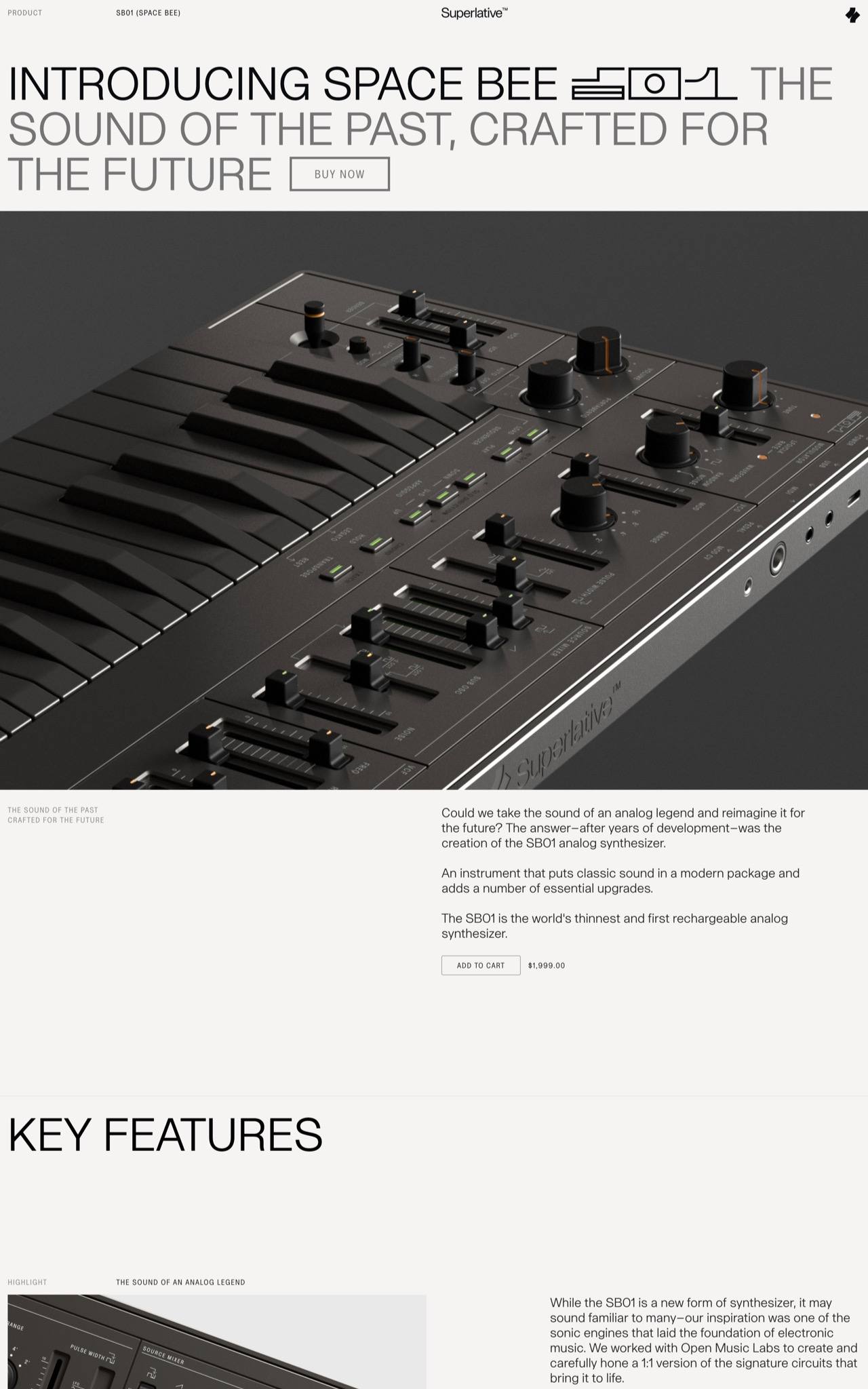
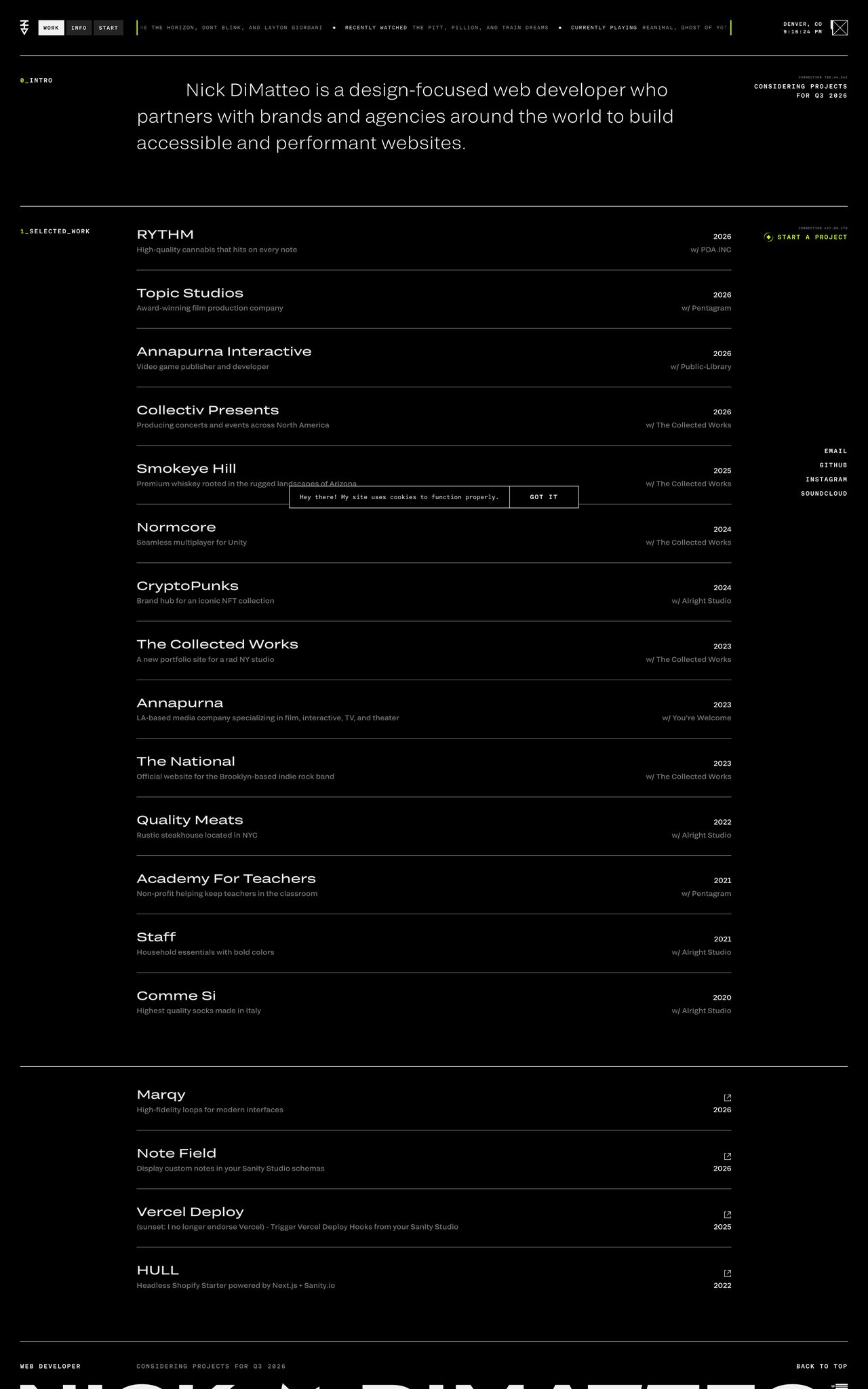
Capture full page screenshots, add annotations, and automatically extract the design details behind the page.

[ 01 ]

One screenshot with everything you need.

Capture a full page and instantly see all the design details behind it: type, color, and more, all saved in one place.
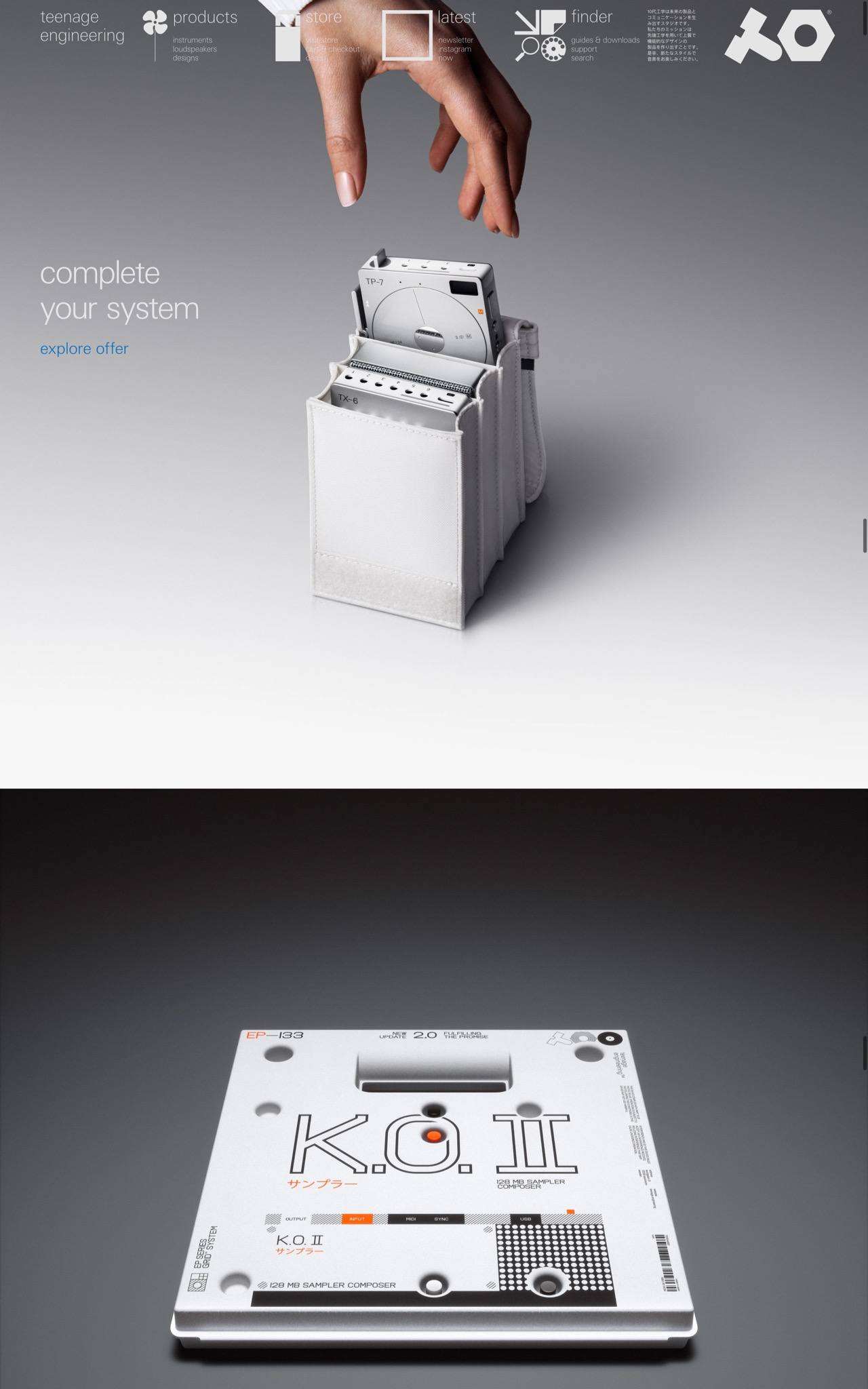
Screenshot credit teenage engineering
[ 02 ]

Build your reference library.

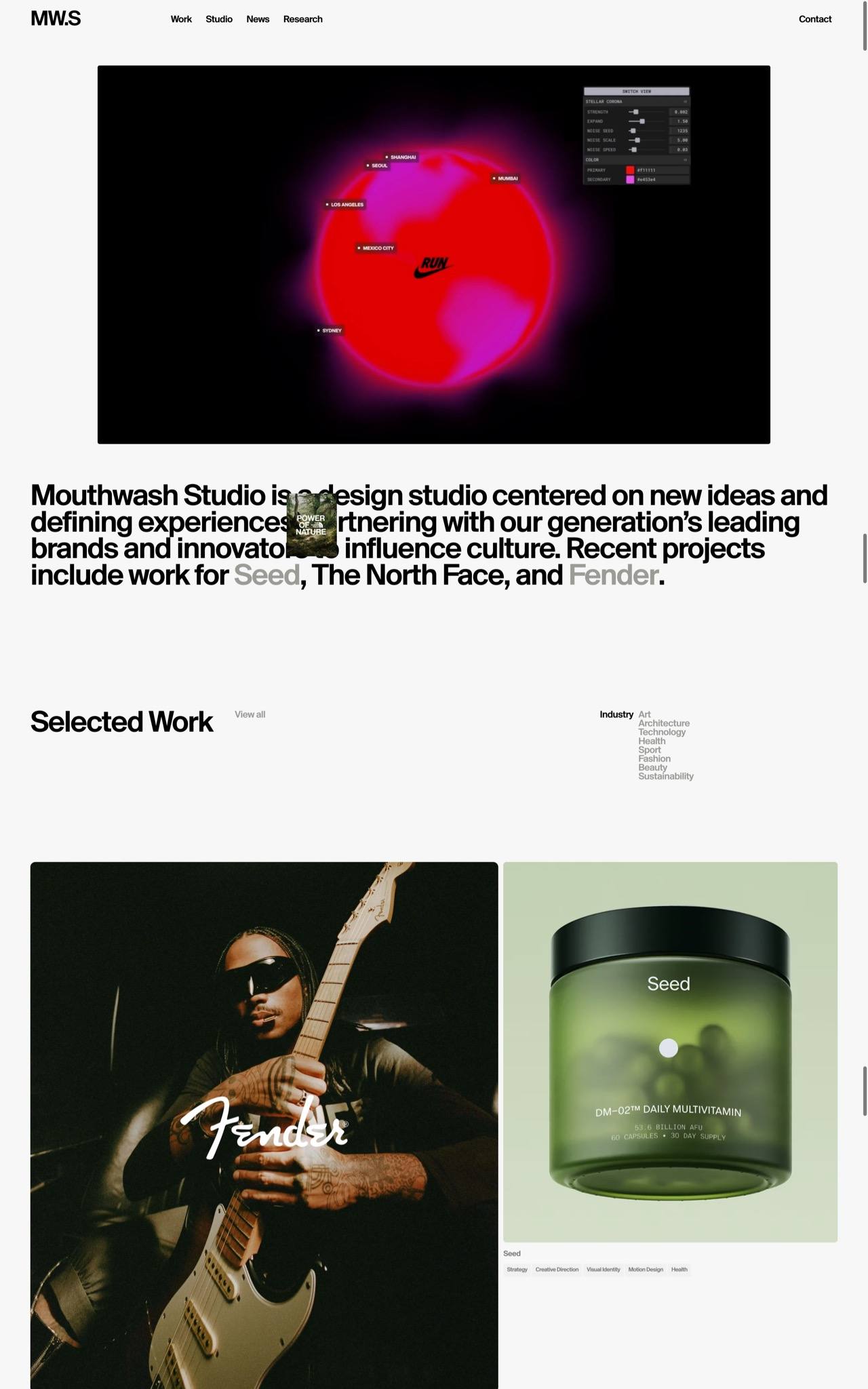
Everything you capture is saved and organized, with a direct link back to the source.

[ 03 ]

Export for inspiration, moodboards, or direction.

Download as a PDF or PNG, send to Figma, or copy the full X‑Ray details. Add annotations to guide direction or leave feedback.

[ 04 ]

Give it a (screen)shot.

Capture what you need, build your library, export and share.

Free while in beta. Everything stored locally.

Add to Chrome